
Opera
Opera is a free web browser for Windows from Opera Software. The stable release is 136.0.6008.22, published on 17 September 2026.
133.1 MB

Google Input Tools was Google's free transliteration and virtual keyboard tool for Windows; the Windows version was discontinued in May 2018.
Average 0.0 · ratings: 0
Thank you! Your rating is saved; you can change it. Could not save the rating. Please try again later. Too many ratings from your network today. Please try again tomorrow. The average appears after 5 ratings.
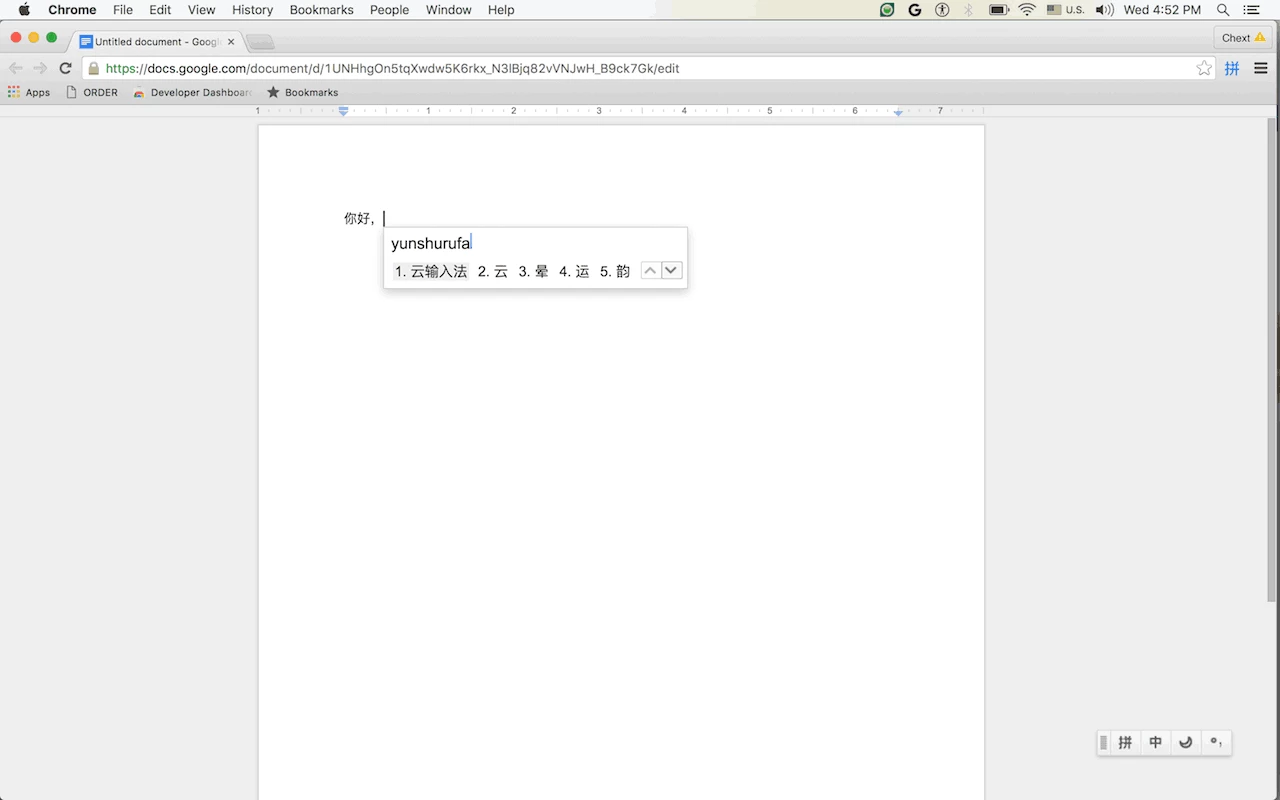
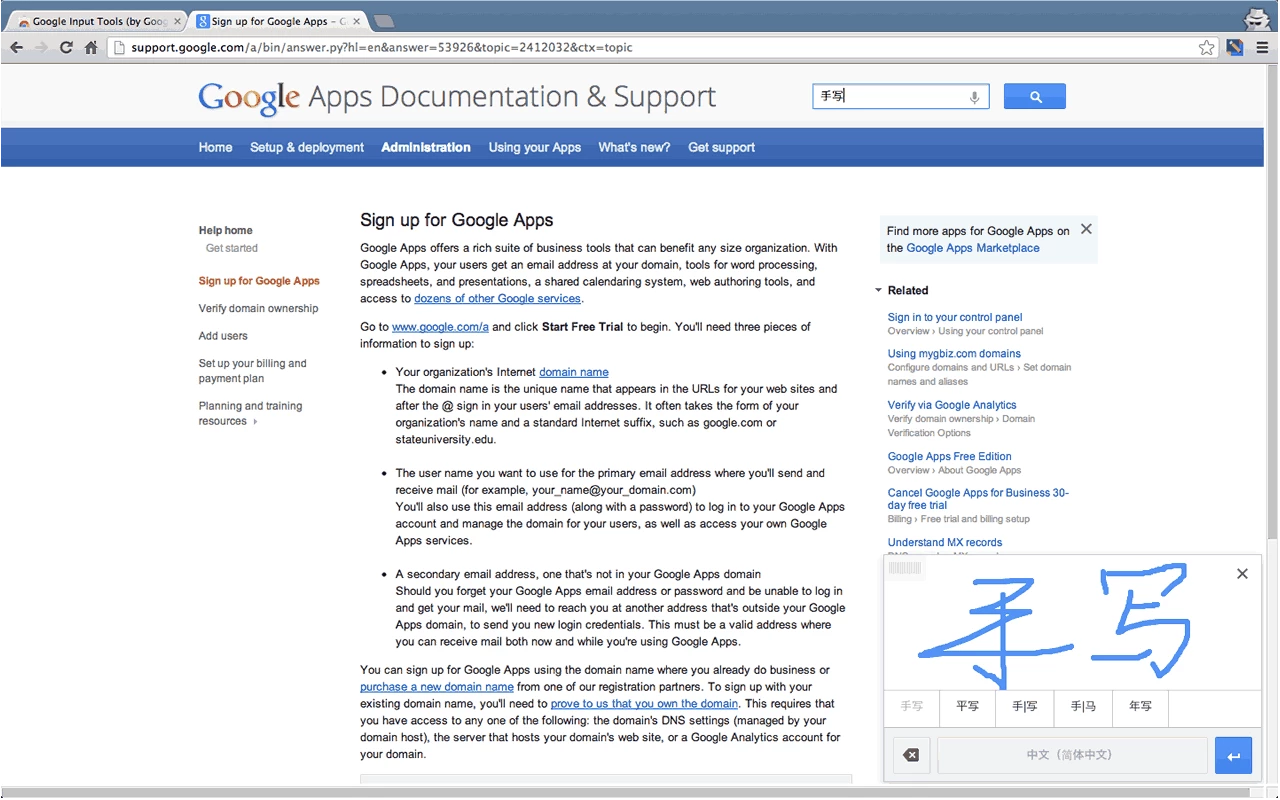
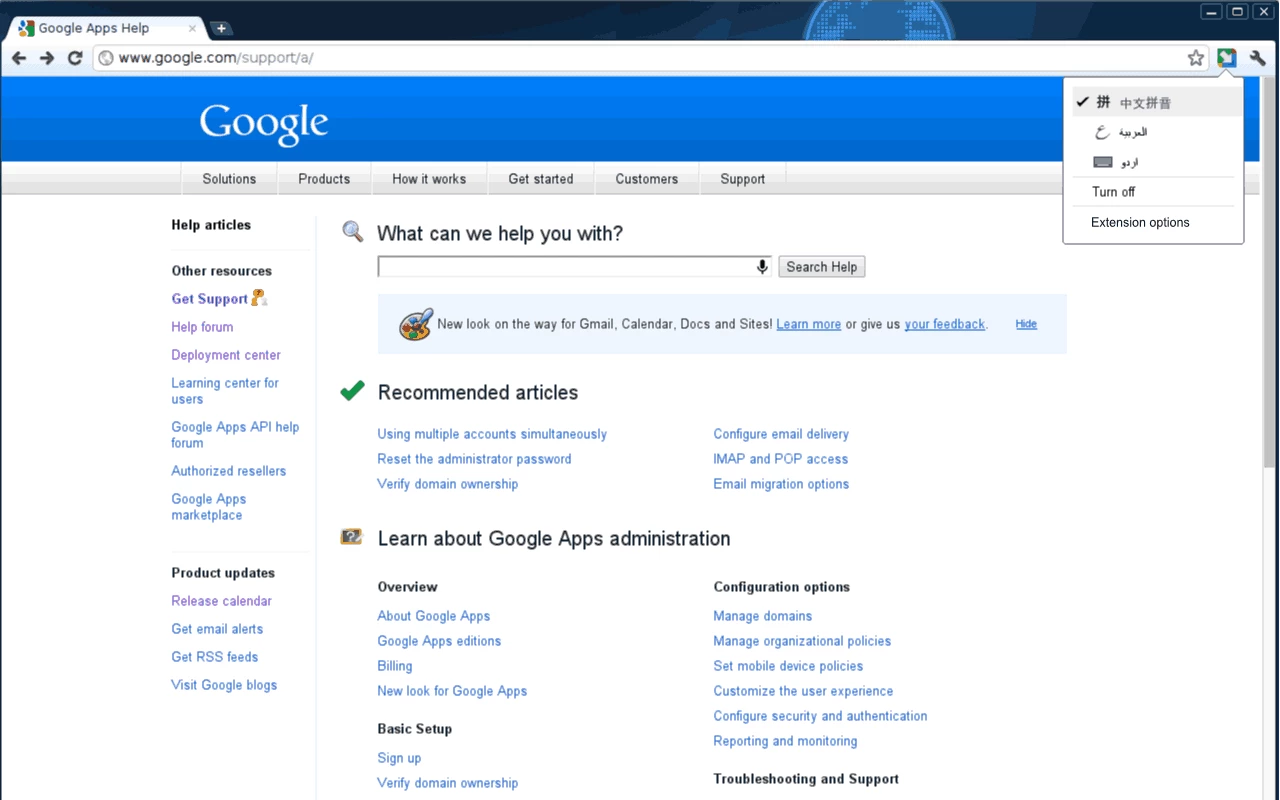
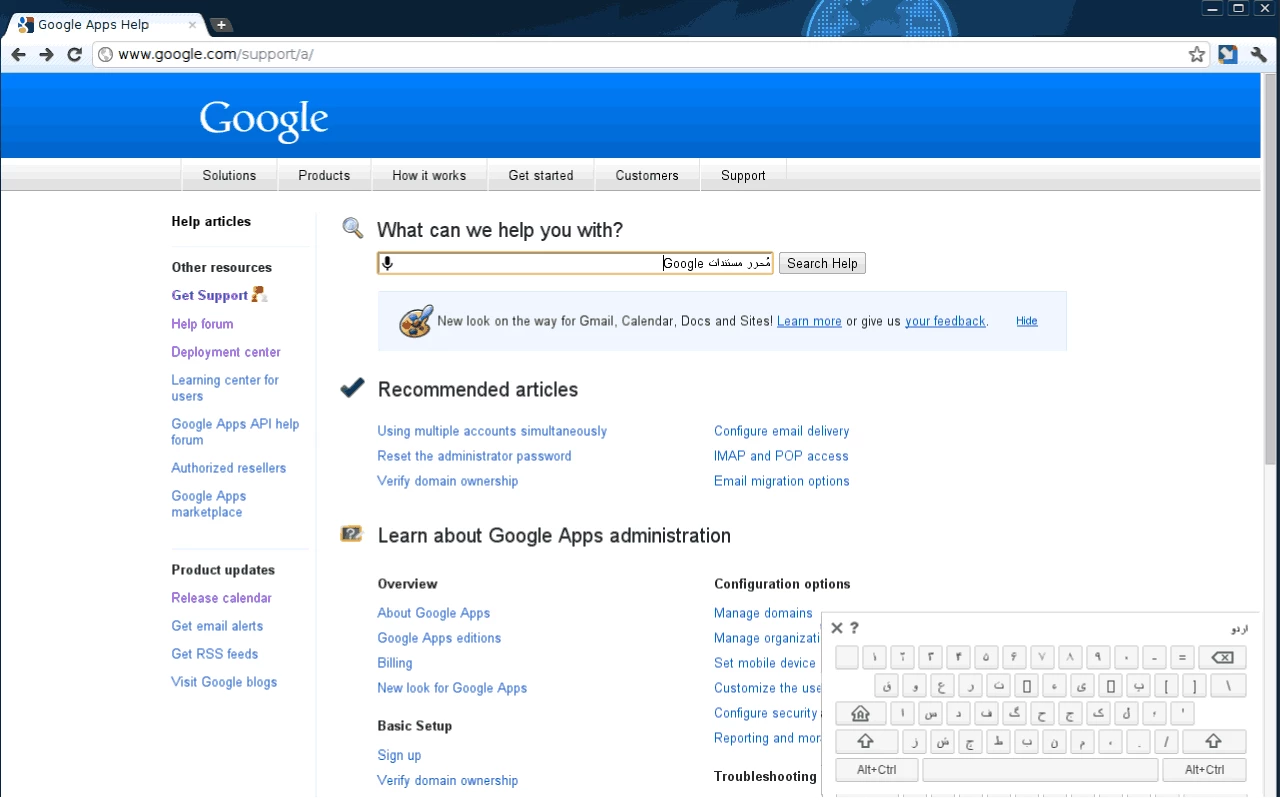
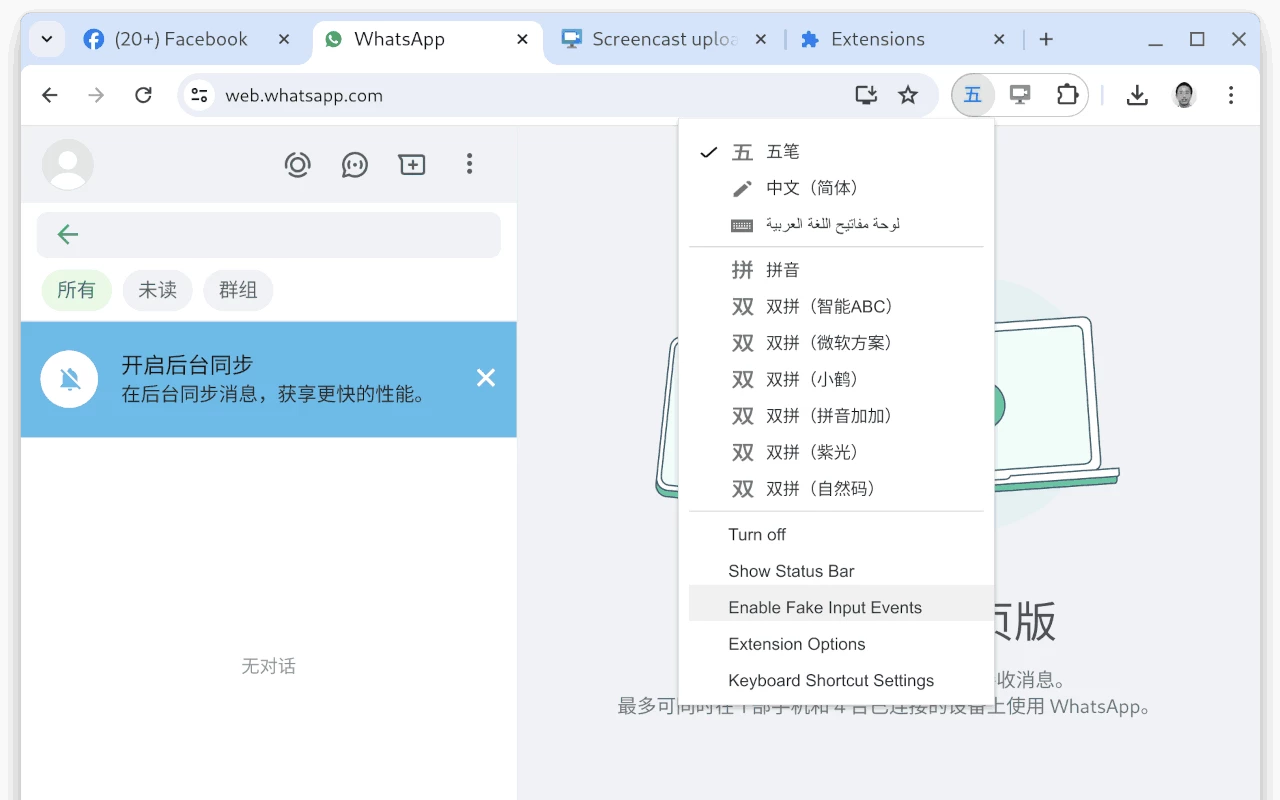
Google Input Tools for Windows was Google's free input method editor that let you type in dozens of languages on a PC using transliteration, for example writing Hindi, Arabic or Russian words with a Latin keyboard. Google removed the Windows version in May 2018, so the file listed here, version 101, is an archive build with no updates rather than a supported download.
The project started in July 2012 and grew out of Google's transliteration service. The idea was simple: you type a word the way it sounds using ordinary English letters, and the tool offers the same word in the target script. Type namaste and you get the Devanagari spelling; type a Russian word in Latin letters and it appears in Cyrillic. For languages with large character sets, such as Chinese or Japanese, it worked as a full input method editor with a candidate list. On Windows, Google Input Tools installed as a system input method, so it worked in any program, from Word to a chat window, and you switched languages from the taskbar just like with the built-in keyboards. Besides transliteration it offered on-screen virtual keyboards and, for some languages, handwriting input with the mouse. The tool was especially popular with people who could speak and read a language but had never learned its keyboard layout, and with offices that needed to type names in several scripts.
| Item | Details |
|---|---|
| Developer | Google LLC |
| Version listed | 101 |
| Platform | Windows |
| Type | virtual keyboard, input method editor |
| Licence | Freeware |
| Status | Windows version discontinued in May 2018 |
| Size | about 838 KiB according to catalogue data |
Google stopped offering the Windows installer and no longer updates it. An existing installation may keep working on some systems, but it gets no fixes, and new versions of Windows can break it without warning. The online part of the service is still alive: the Google Input Tools site describes the remaining options, and you can try the input tools in the browser and copy the typed text into any program.
The file stays available for people who maintain an older PC where the tool was part of the workflow, and for anyone studying how it worked. Be realistic: there are no updates, the installer may refuse to run or depend on online components that no longer respond, and nothing guarantees it will behave on current Windows. Scan the file with your antivirus before running it and avoid repackaged copies from unknown sites.
An input method sees every key you press. Running an abandoned one is a bigger risk than an ordinary old program, so do not use it for passwords or banking, and remove it once you have a supported replacement.
Google Input Tools was always free, and the browser version still is.
For translating text rather than typing it, Google Translate is on our site. For typing, the language keyboards built into Windows are the supported option.
Opera is a free web browser for Windows from Opera Software. The stable release is 136.0.6008.22, published on 17 September 2026.

UC Browser for Windows is the desktop version of the web browser from UCWeb, a Chinese mobile internet company.

Google Translate is Google's multilingual machine translation service, used on Windows through the website and a browser extension.

Microsoft Edge is Microsoft's web browser, preinstalled on current Windows versions and available as a free download for reinstalling or updating.

Mozilla Firefox is a free and open-source web browser developed by Mozilla, available for Windows, macOS, Linux, Android and iOS.

Google Chrome is the free web browser from Google. The stable Windows release is 154.0.8037.58, out since 22 September 2026.

Cent Browser is a free Chromium-based browser for Windows from Cent Studio that adds mouse gestures, tab tweaks and other power-user options.